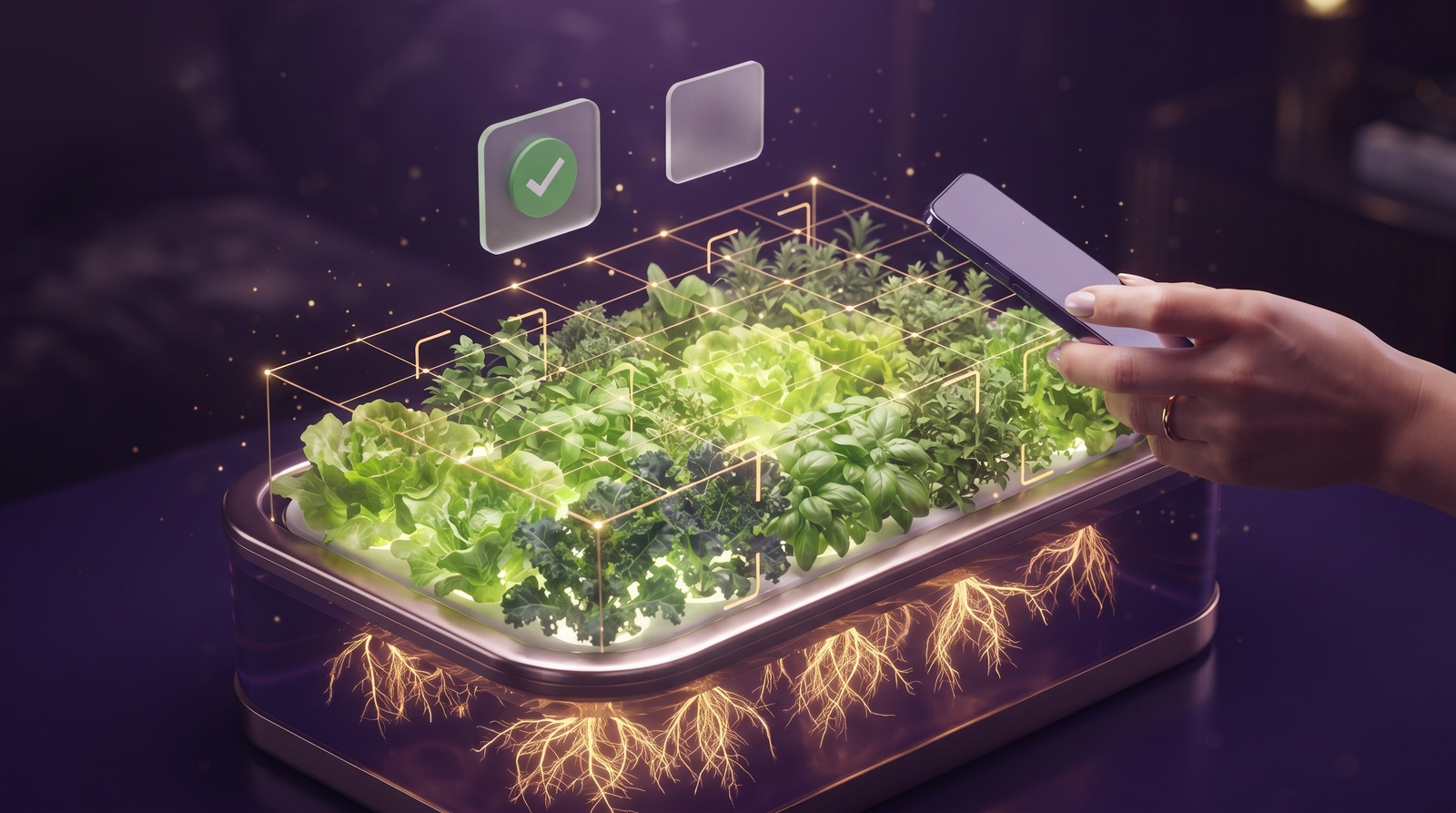
Part of the Vegardi app A3 is A3, always

The app is the garden.

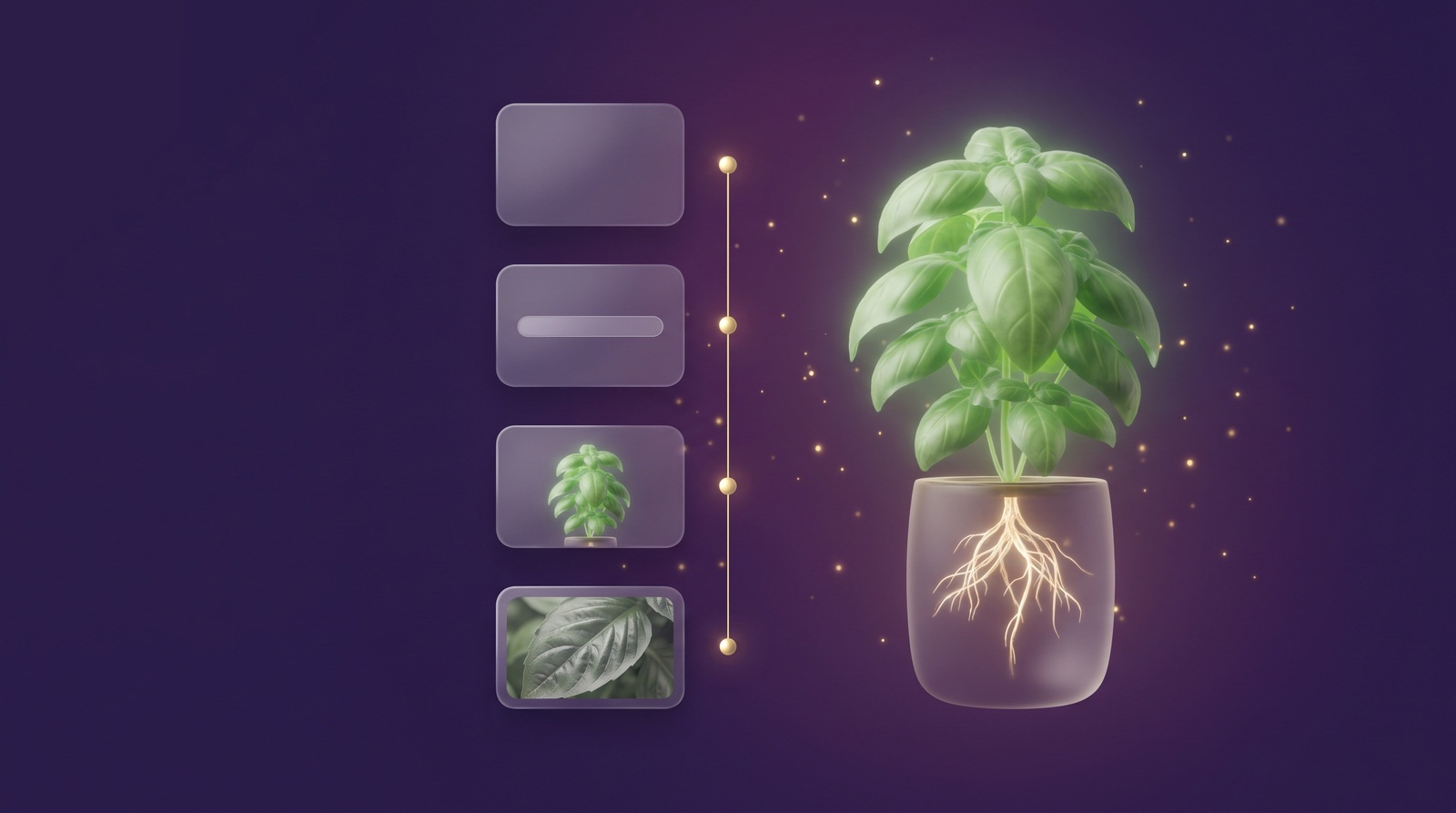
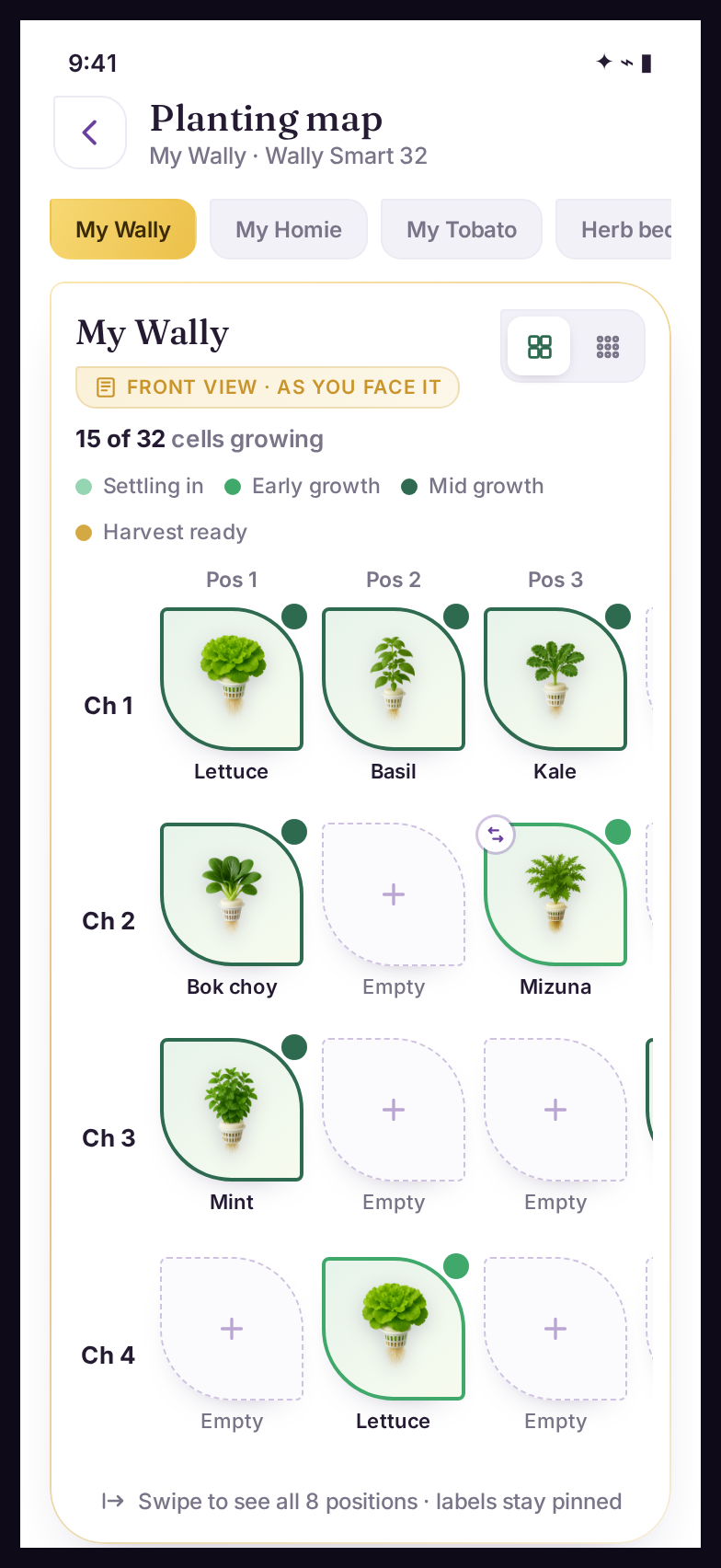
The Planting Map renders your real system as its virtual twin, slot for slot. Open any slot and the whole identity is there: variety, stage, history, photos. Plant a crop in a few taps, move a plant in one, and when memory fails at week six, the map does not.

The anchor every other Vegardi tool builds on. Privacy

In the app · your garden, mirrored

Mirror your setupYour system, rendered slot for slot.
Plant in tapsA whole crop across its slots, in seconds.
Open any slotVariety, stage, history, photos. The whole story.
Move, harvest, repeatThe map stays true as the garden changes.
A grower trying to tell look-alike seedlings apart

Week six

Forty look-alike plants that were three neat trays in week one. Which basil was the late sowing? Which slot got last week's diagnosis? Memory says it knows. It does not.

The question was never "what did I plant." It was "what is growing in this slot."

This is what comes back.

Open one slot, and the whole story is standing there.

Slot A3 · your six-slot balcony system

Cherry tomato "Tumbler" · Flowering, week 7

On pace

The identity

Planted May 4, checked at the nursery by the Buy Scan before it was bought. Compact determinate variety, expected first harvest around week 11 for your conditions.

The history

Two task cards completed, one diagnosis opened and closed in week 5, four photos in its journal. Every entry anchored to this slot, not to memory.

What is ahead

A pollination check on Thursday, and the harvest window opening in about three weeks. The follow-ups schedule themselves as the plant moves through its stages.

And crops stay separate, batch by batch: the May 12 arugula is ready this week; the June 2 batch needs ten more days. Three sowings, three timelines, never blurred into one.

From this slot, one tap each

  1. Move the plant; its whole record moves with itMove
  2. Harvest it; the slot frees itself and the story is keptHarvest
  3. Ask Gardi about it; the case arrives with full contextAsk

What you get

A tidy home growing system, every plant in its place
  • The garden, slot for slot. A3 in the app is A3 in front of you, always.
  • Every plant carries its complete record: variety, stage, readings, history, photos.
  • Plant, move and harvest in taps, and the map stays true through all of it.
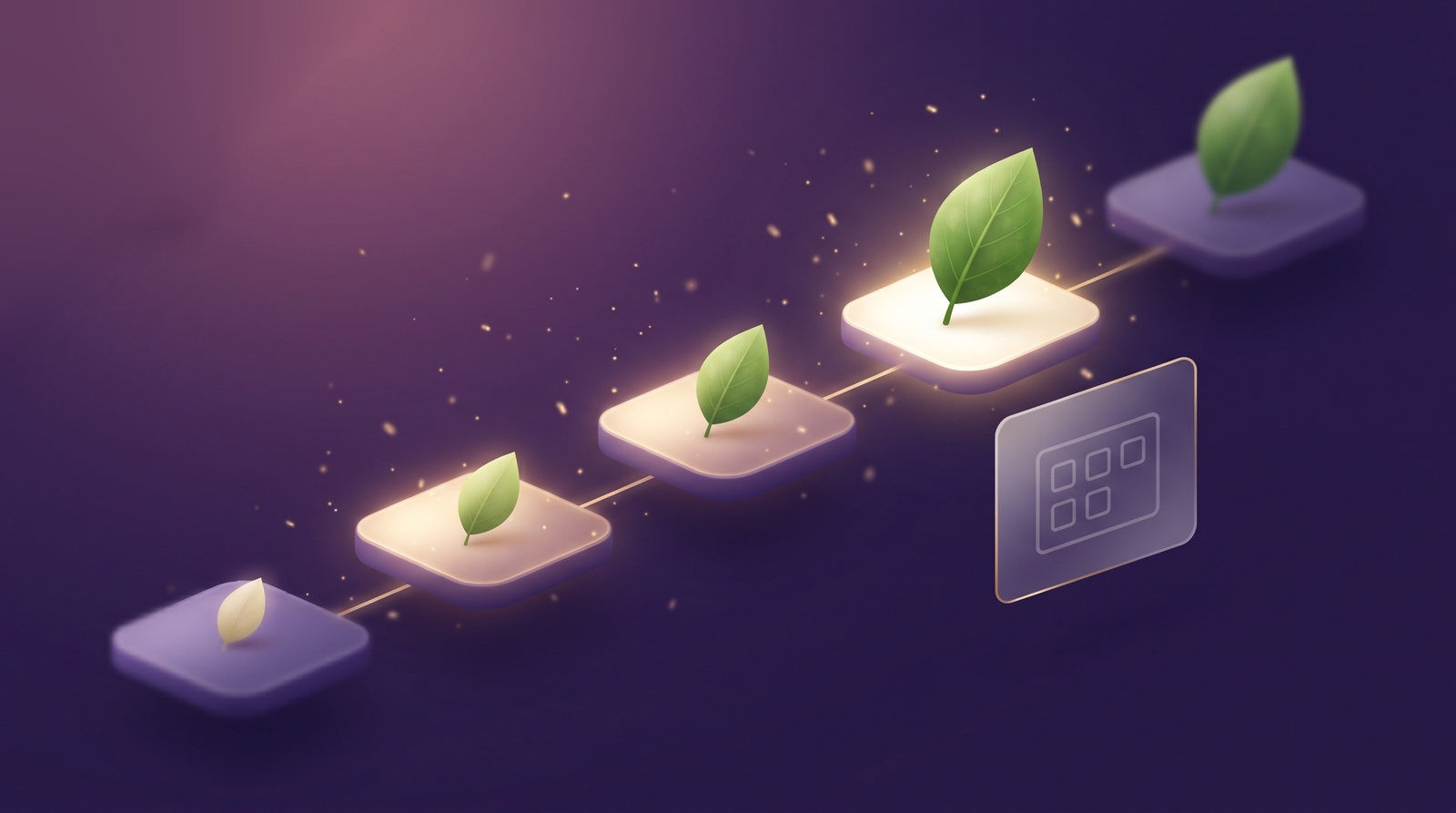
  • Succession planting, kept per batch: three sowings of one crop, three separate timelines.
  • Harvest a plant and the slot frees itself, ready for what comes next; the story stays yours.
  • The anchor that makes every other tool personal: diagnoses, tasks and alerts land on a place, not a guess.

Why position matters

Every observation, task, alert and diagnosis in Vegardi anchors to a physical place in your garden, not to "your basil" in the abstract. That anchor is what lets fourteen other tools speak about your exact plant.

Six weeks in, when memory fails, the map does not.

Questions growers ask

Is there an app to map my vegetable garden?
Yes. Vegardi, the home food-growing app, includes the Planting Map: a virtual twin of your real garden, slot for slot. A3 in the app is A3 in front of you. Every plant carries its complete record where it actually stands: variety, stage, history, photos. It is built for edible plants in home growing systems.
How do I keep track of what I planted where?
Memory holds for a week or two; by week six, forty look-alike plants defeat it. The answer that lasts is a map that mirrors the garden itself. In Vegardi, planting happens on the map, so the record is born in the right slot on day one instead of being reconstructed later.
Can it track succession planting?
Yes, per batch. Three sowings of one crop keep three separate timelines, so each batch gets its own tasks and its own harvest window, and they never blur into one.
What happens on the map when I harvest a plant?
The slot frees itself, ready for the next planting, and the plant's story is kept: its journal and its place in your harvest record stay yours.
I grow in soil. Can I use the Planting Map?
The app's full tracking, the map included, is built for hydroponic systems today. The soil version is in development, and you can join the waitlist to enter its beta as a Founding Grower.
Is the Planting Map free?
It is part of the Vegardi app; the map is the backbone every tool anchors to. If you want to feel how Vegardi thinks first, the Plant Doctor and the Garden Check-Up are available. Free in the browser, no account needed for your first scans.

One app. This is a room in it.

The Planting Map is one of fifteen tools inside Vegardi, all working the same garden, so each knows what the others did. Every tool lives in the same app. Premium adds unlimited scans and conversations.

In the appThe map is the app's backbone; every tool anchors to it.Core
In PremiumThe full toolset, unlimited. Currently free for Founding Growers for the first three months.Premium
Feel it in the browser firstThe Plant Doctor and Garden Check-Up are available. Free in the browser, no account needed for your first scans.Free

And it does not work alone. Meet the other fourteen:

Scroll sideways for all of them →

Every plant, in its place.

Know your garden the way it actually stands: slot by slot, plant by plant, story by story. The map remembers, so you can just grow.